
Challanges
The organization faced significant inefficiencies in managing shipment tracking due to outdated, manual processes. Shipment data was fragmented across multiple Excel sheets and systems, requiring heavy manual intervention for consolidation and analysis.
Key challenges included:
- Stockouts of fast-moving products, resulting in missed sales opportunities.
- Overstocking of slow-moving items, leading to high storage costs and waste.
- Supplier delays and logistics bottlenecks, which increased shipping costs and eroded customer satisfaction.
- High defect rates, damaging brand reputation.
- Fragmented and manual processes, with reliance on Tableau server exports, Excel mapping, and pivot table analysis—limiting the ability to scale, automate, and provide timely insights.
- Poor demand forecasting caused by inconsistent data, delaying critical business decisions.
Scope of Project
The objective was to automate and modernize shipment tracking processes through a centralized Power BI dashboard. The scope included:
- Consolidating shipment data from multiple sources into a single, automated reporting system.
- Providing visibility into order fulfillment, supplier performance, delivery timelines, and product movement.
- Implementing automated alerts for stockouts and overstock conditions.
- Empowering decision-makers with real-time, drill-down insights into product sales trends, partner performance, and logistics efficiency.
Solution Provided
A comprehensive Shipment Tracking Dashboard was developed in Power BI, supported by an automated ETL and data integration pipeline.
- Data Integration & Automation
Data was ingested from multiple sources, including Nielsen, SharePoint, and Excel files. Alteryx and Python scripts were used to automate extraction, transformation, and loading (ETL) processes. A dedicated database (Snowflake) was created to store cleaned and structured shipment data, removing dependency on manual Excel exports. - Data Preparation & Transformation
Using Alteryx workflows, the manual Excel and pivot-table-based process was eliminated. Data was cleansed, standardized, and mapped to common dimensions (product hierarchy, suppliers, time, and regions). DAX modeling in Power BI enabled creation of calculated metrics for shipment value, lead times, and stock movement. - Power BI Dashboard Development
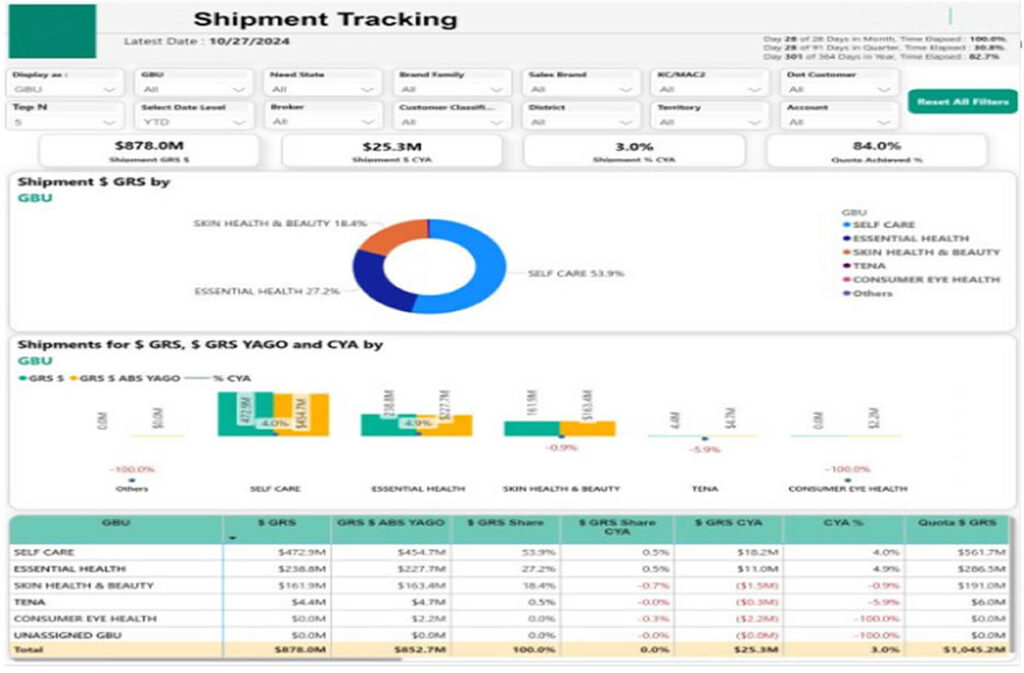
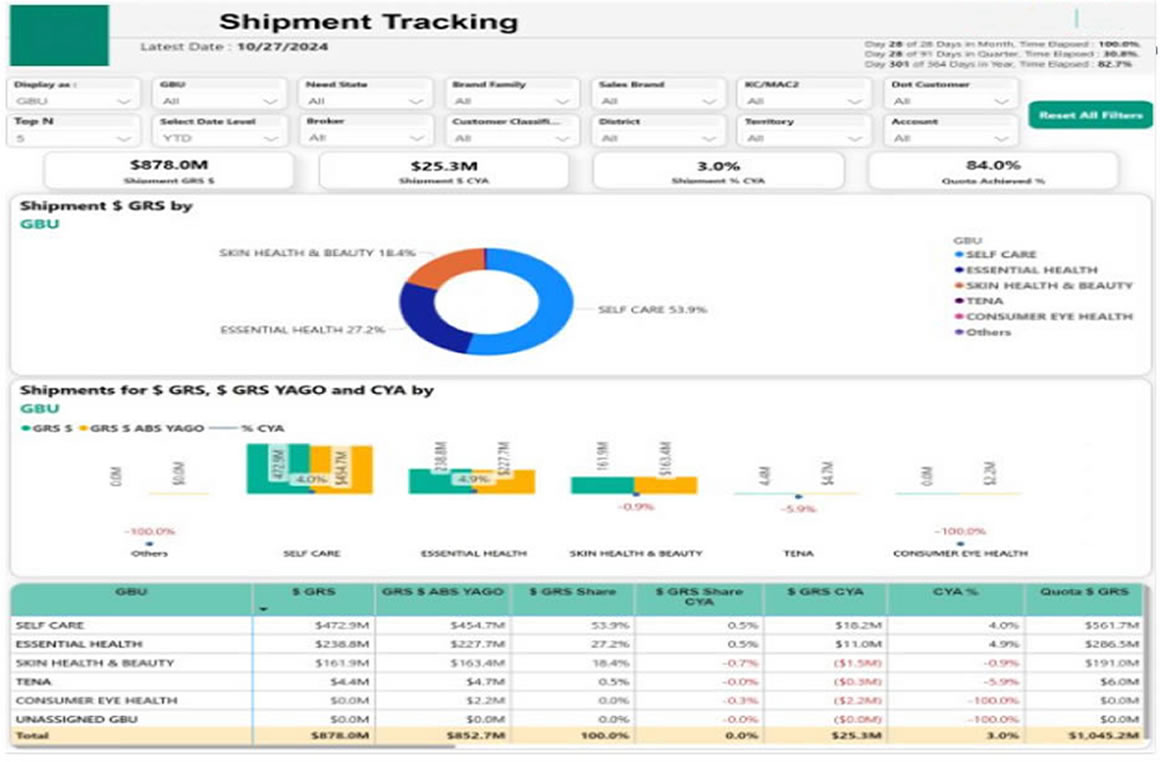
The dashboard provided stakeholders with:- A time-period comparison of total shipment value.
- Drill-down capabilities to analyze performance at product, sub-brand, or supplier level.
- Insights into shipment delays, supplier performance, and defect rates.
- Automated alerts and KPIs for stockouts, overstock risks, and fulfillment gaps.
- Real-Time Monitoring & Alerts
The dashboards refreshed automatically on a daily/weekly basis, giving near real-time visibility. Notifications highlighted underperforming suppliers, late deliveries, and shipment anomalies, enabling proactive decision-making. - Scalable Architecture
The solution was designed for scalability with additional geographies, suppliers, and KPIs. SharePoint was integrated to host files that change based on availability, ensuring seamless updates without manual intervention.
This end-to-end automation transformed shipment analysis from a reactive, Excel-based process into a proactive, real-time system.
Business Impact
- Reduced Manual Effort: Automation removed dependency on manual Excel mapping and pivot tables, cutting reporting time significantly.
- Improved Visibility: Stakeholders gained access to a unified view of shipments across suppliers, regions, and product lines.
- Operational Efficiency: Early detection of stockouts, overstock, and supplier delays improved inventory balance and reduced costs.
- Faster Decision-Making: Interactive dashboards enabled managers to drill down to granular details and respond quickly.
- Enhanced Customer Satisfaction: Timely shipments and fewer disruptions improved service reliability and brand trust.
- Scalable Insights: The architecture allowed easy expansion to more datasets, ensuring long-term sustainability.
Technology Stack
- Data Sources: Nielsen, SharePoint, Excel, Supplier Data
- ETL & Data Processing: Alteryx, Python, Snowflake
- Visualization & Analytics: Power BI Desktop & Power BI Services (DAX modeling, interactive dashboards, automated alerts)
- Collaboration & Automation: SharePoint for file hosting, Power BI Services for secure sharing and role-based access